Why Do PDFs Get So Large?
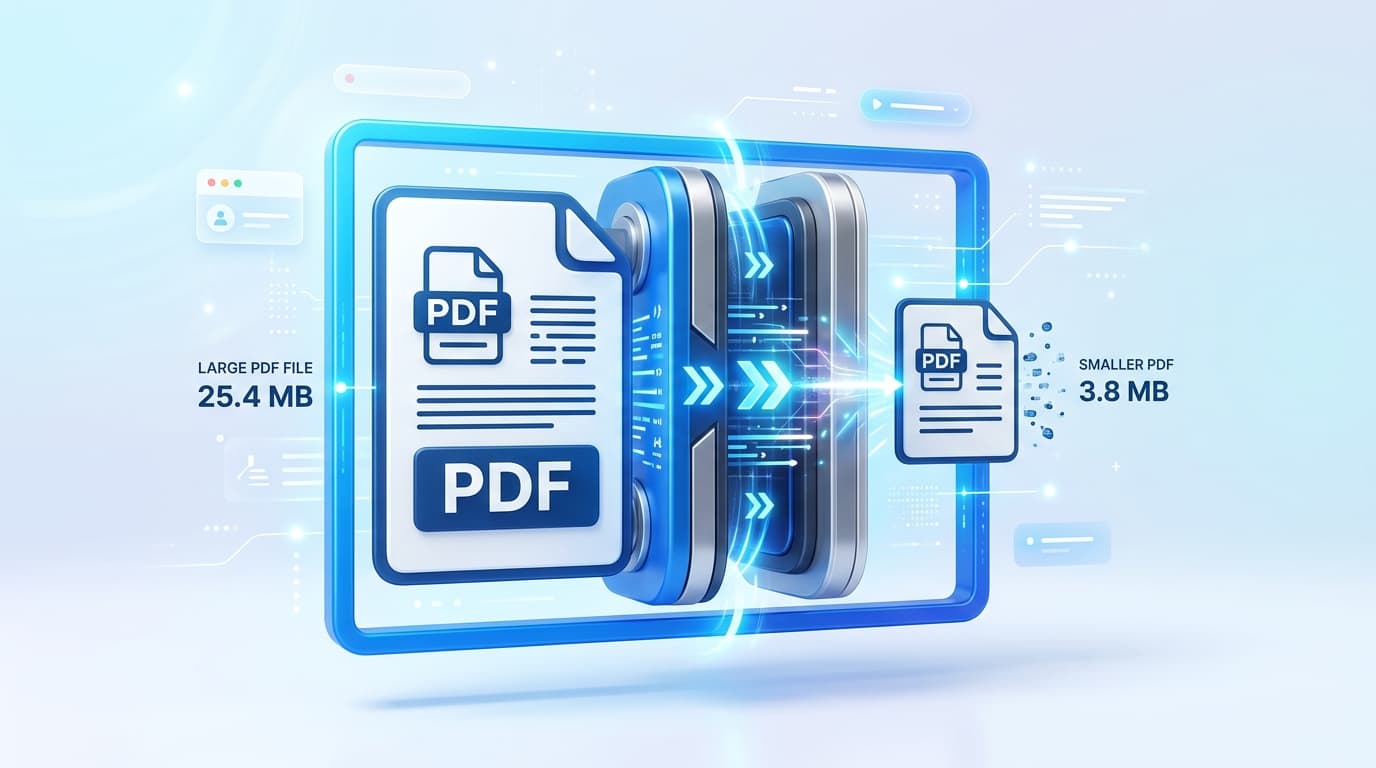
PDFs (Portable Document Format) are the global standard for document sharing. However, they can quickly balloon in size when they contain high-resolution images, embedded fonts, or unoptimized vector paths. This makes them difficult to email, upload to portals, or share over slow connections.
The Difference Between Lossy and Lossless Compression
When compressing a PDF, it's crucial to understand what happens to your data. Lossy compression reduces file size by permanently removing data, which often results in pixelated images and blurry text. Lossless compression, which PDFixo utilizes, compacts the underlying data streams and removes redundant metadata without altering the visual quality of the document.
Step-by-Step Guide to Compression
- Choose the Right Tool: Use a browser-native compressor like the PDFixo PDF Compressor to ensure your file never leaves your computer.
- Select Target Compression: Depending on your needs, you can reduce the file by up to 90% for email attachments, or apply mild compression for printing.
- Verify Typography: Always check that embedded fonts have not been converted to raster images, ensuring text remains searchable and crisp.
Conclusion
By utilizing smart object stream compaction and avoiding lossy rasterization, you can easily shrink your PDFs to fraction of their original size while maintaining absolute professional quality.