
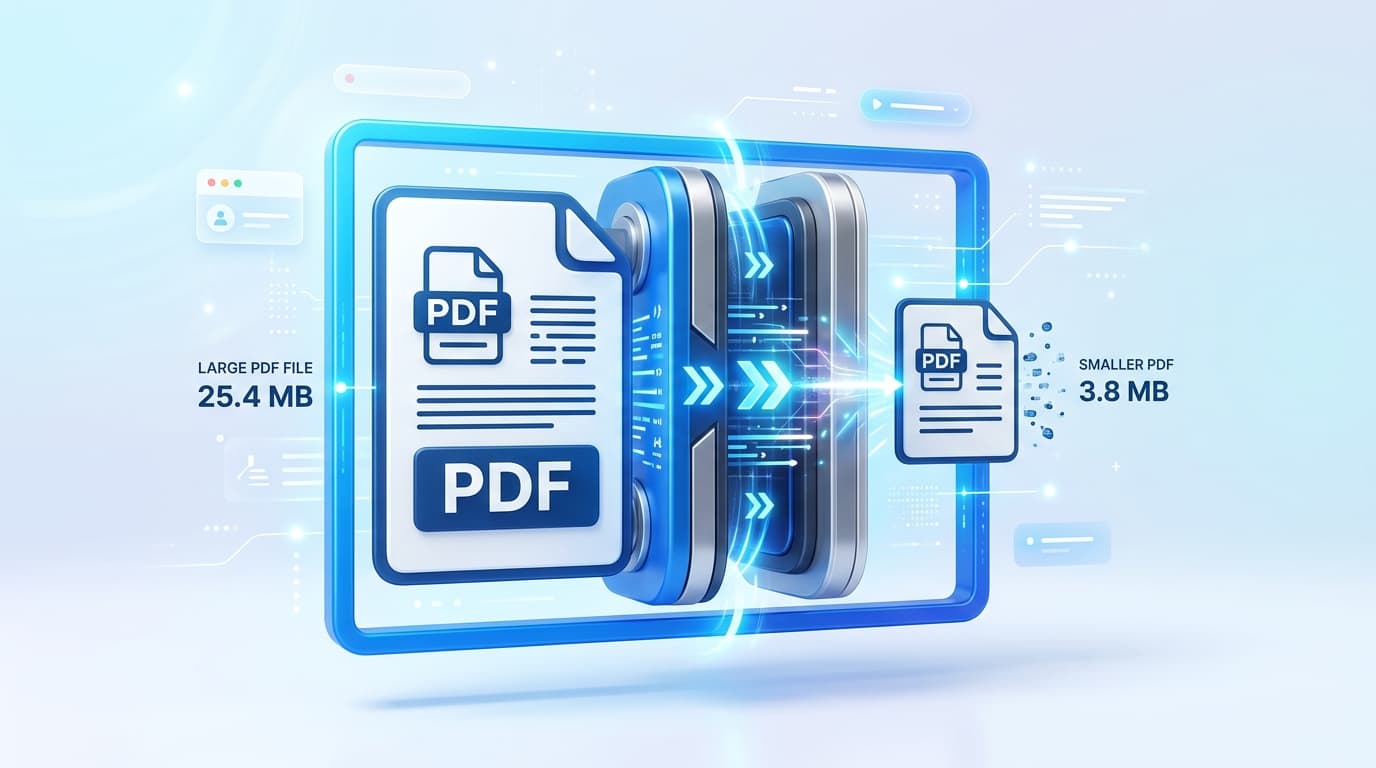
The 2MB Limit Problem
If you have ever tried to upload tax documents, visa applications, or university forms to an official portal, you have likely encountered the dreaded error: "File size exceeds maximum limit of 2MB." Government portals maintain strict size limits to save server storage, but modern scanners easily generate 10MB+ PDF files.
Why Your Scanned PDF is So Large
When you scan a physical document using your phone or a traditional scanner, it saves the page as a high-resolution image inside the PDF wrapper. Even a simple 3-page document can quickly balloon to 15MB. To get below 2MB, you need to reduce the DPI (dots per inch) and compress the image streams.
Step-by-Step: Compressing Below 2MB
- Open the Right Tool: Go to the free PDF Compressor tool on PDFixo. Because PDFixo processes files locally, it is 100% safe for sensitive government documents (like passports or tax returns).
- Select "Extreme Compression": When prompted, select the Extreme Compression tier. This will aggressively compress the raster images inside your PDF without making the text illegible.
- Download & Verify: Click process. The file will shrink instantly. Check the file size on your computer to ensure it is under 2,048 KB (2MB).
Security Warning for Official Documents
Never use unverified cloud compressors for government IDs or tax returns. Traditional converters upload your file to a remote server. Always use a zero-retention tool like PDFixo that processes the file directly on your edge connection or in-memory, ensuring your private data cannot be leaked.